
Before you start
- Your XPR is staked, and you vote for four Block Producers. Episode 1.8 shows how.
- Rewards are shared out in proportion to how much XPR you have staked. Which four producers you vote for doesn't change them.
1. Check your rewards
- Open WebAuth and tap XPR Network in your tokens.
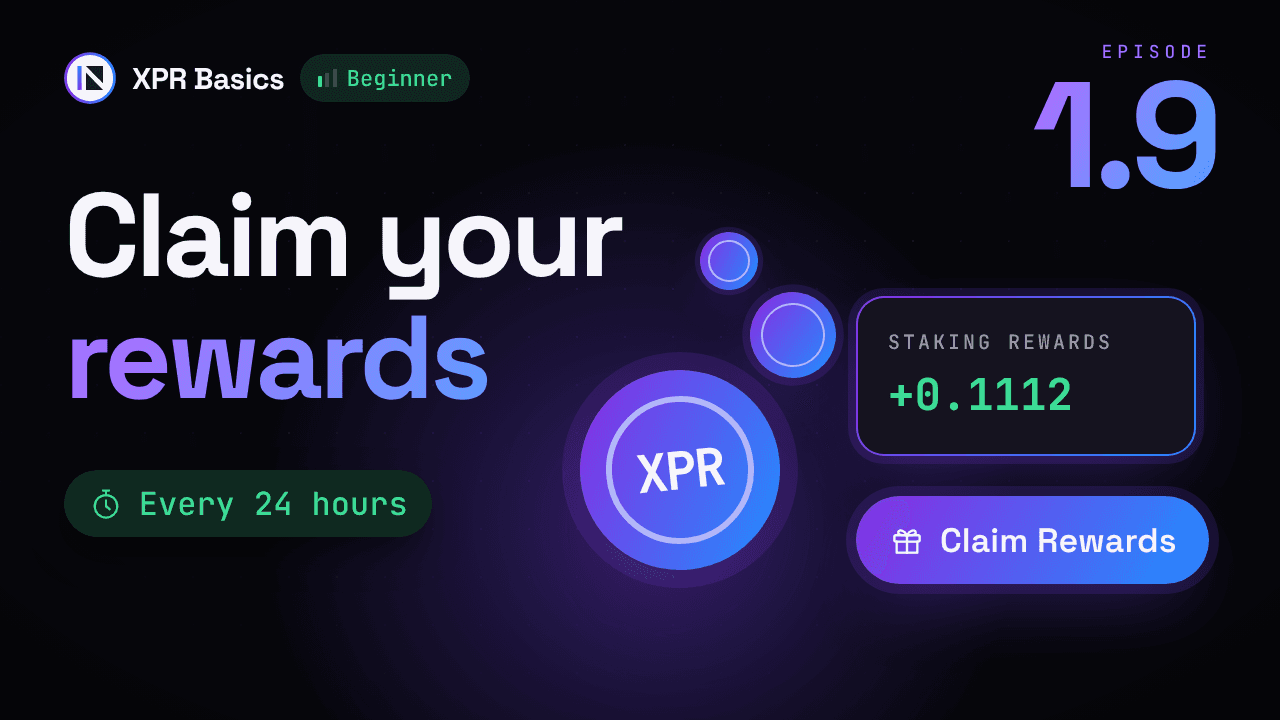
- Under Stats, the Staking Rewards row shows what you have earned since your last claim. In the video: 0.1112 XPR, five days after staking 200 XPR.
2. Claim them
- Tap Claim Rewards, under Stats.
- The app asks: Do you want to re-stake claimed rewards?
- Yes adds the reward to your stake. It then earns rewards too and adds weight to your votes.
- No puts the reward in your available balance, free to send or swap.
- The third option is Cancel.
- Confirm with Face ID or your passcode.
- The app shows Successfully claimed!
3. Check the result
- Staking Rewards is back at 0 and builds up again from here.
- With No, the claimed XPR is in Available Balance. With Yes, it is added to your stake.
How often you can claim
- Once every 24 hours. You don't have to claim every day: unclaimed rewards keep adding up until you claim them.
- Rewards pause while XPR is unstaking. Unstaking takes 24 hours, and the XPR you unstake earns nothing in that time.
- Keep four votes. Rewards stop if you vote for fewer than four producers.
One source, the XPR Network blog, says rewards can be claimed at any time. The Knowledge Center and the Bloks docs say once every 24 hours, so this guide follows them.
Other ways to claim
- XPR Network Explorer: open Wallet, then Short Stake XPR, and use the Claim Rewards tab.
- Metal X: open the Staking page, click Claim in the Rewards box, and approve in your wallet.
If an unstake gets stuck: Refund
Unstaked XPR is normally free to send again after 24 hours. If three days or more have passed since you unstaked and it still hasn't come back, the unstake has got stuck. On XPR Network Explorer, open Wallet, then Short Stake XPR, go to the Refund tab and click Refund to process it by hand.
💡TIP
Claim only in your own wallet, in WebAuth or on a site you open yourself. Type the address or use a bookmark.
⚠️WARNING
Ignore offers to claim rewards for you, in messages, DMs or on unknown sites. Claiming never needs your recovery phrase. Anyone who asks for it wants your account.