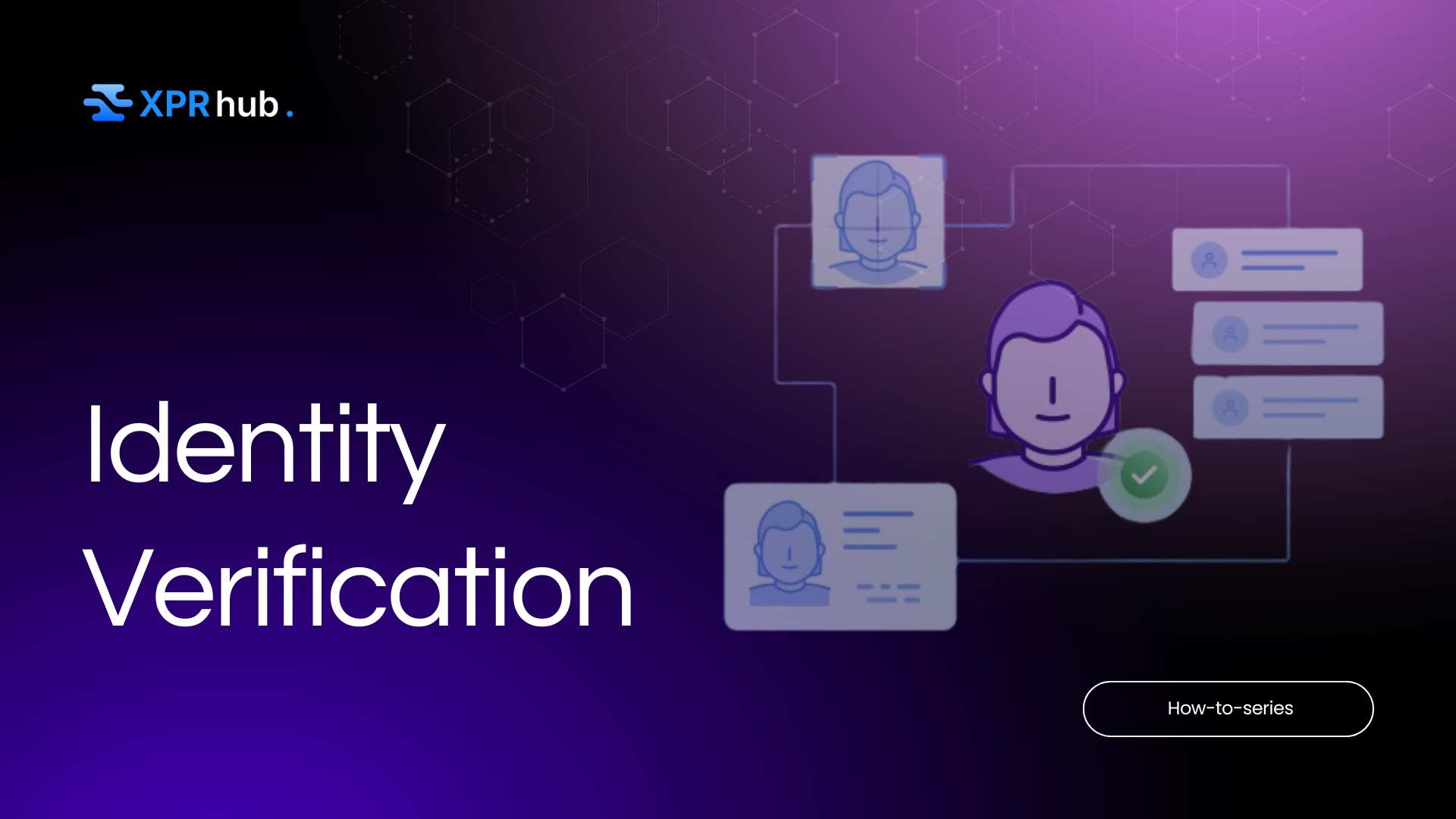
XPR Network offers an optional identity verification (KYC) process for users who want to link a verified real-world identity to their blockchain account. You might wonder, “Why would I want to do that on a crypto network?” The reason is that XPR is built to interact with traditional finance and comply with regulations when needed.
By verifying your identity, you unlock certain features (like fiat on-ramps, off-ramps, and cross-chain asset bridges) and get a visible trust badge on the network. This section will explain how to get verified and what the benefits are.
What is Identity Verification (KYC) on XPR? KYC stands for “Know Your Customer,” a standard process in finance where you prove who you are using government IDs and documents. On XPR Network, KYC is optional for normal on-chain use – you can send XPR around without ever doing this. However, if you want to access regulated features (for example, linking a bank account, using the Metal X fiat bridge, or higher-tier DeFi services), you’ll need to verify your identity.
Verified users get a small green checkmark next to their @name (visible on explorers) indicating a trusted status. Importantly, XPR’s identity system keeps your personal data private to the verifying partner (a company that handles the KYC); only a verification proof is recorded on-chain, not your personal details.
How to Get Verified (Step-by-Step):
- Prepare Your Documents: Before starting, have a valid government photo ID ready (passport, driver’s license, or national ID card) and be prepared to take a selfie. Also, know your address and, if you’re a U.S. citizen, your Social Security Number (non-U.S. users might need an equivalent like a tax ID).
- Visit the Identity Verification Portal: Open your web browser to Metallicus Identity – this is the official identity verification page for XPR Network. (You can also access it via the WebAuth mobile app by finding a “Verify Identity” option, which will direct you to the same process.)
- Connect Your Wallet: The identity site will ask you to connect your XPR account. Click the option to connect, and it will present a QR code. Use your WebAuth wallet app to scan this QR and approve the connection. (If you’re on the same mobile device, it might seamlessly open the wallet for approval.) This step ensures the verification will be linked to your @name account.
- Enter Personal Information: You’ll be guided to fill in some personal details, typically your legal name, date of birth, and home address. It’s crucial to enter these exactly as they appear on your ID documents. Privacy note: This information goes to the verified identity provider (Metallicus or its KYC partner, e.g., iProov/inode), not publicly on the blockchain. You may also see an option like “Display full legal name on-chain for visual checkmark.” Selecting this will publish your verified name to the blockchain, which is what generates the public green checkmark badge by your username. If you want the badge visible to everyone, opt in to that; if you prefer to keep your legal name private, you can verify without publicizing your name (you’ll be verified but without the green checkmark icon).
- Complete ID Verification: Next, the system will prompt you to verify your ID document and face.
Typically:
– Upload Photos of Your ID: Take or upload a clear photo of the front of your ID and the back if applicable (for passports, just the main page). Ensure all details are readable.
– Liveness Selfie: The system will use your device’s camera to capture a live selfie. Follow the on-screen instructions (you might have to center your face, possibly turn your head or blink as instructed). This is to match your face to the ID and ensure you are a live person.
– The app may do these steps in sequence. Take your time and make sure the images are clear and the lighting is good.
- Additional Info (if required): After the document and selfie, U.S. users will be asked to enter their SSN (Social Security Number) to complete full verification. Non-U.S. users might be asked for a national identification number or simply to confirm that all info is correct. There might also be a short questionnaire about financial regulation compliance (basic questions to ensure you’re not a politically exposed person, etc.). Fill these out truthfully.
- Submit and Wait for Approval: Once all steps are completed, submit your verification. In many cases, approval can be near-instant or within a few minutes if automated checks pass. However, sometimes a manual review is needed – it could take up to 24 hours if so. You’ll typically get an email or notification of success. You can also check by logging back into the identity portal; if verified, it will show your status as verified. Remember, if you opted for the public checkmark, you can see the green check next to your @name on the XPR explorer (e.g., explorer.xprnetwork.org) once fully verified. If the verification is rejected (maybe the photos weren’t clear or info didn’t match), don’t panic – you can usually try again. Ensure details match exactly and consider using a passport if a driver’s license wasn’t accepted (passports are often more universally accepted for KYC).
Tips for a Smooth Verification:
- Make sure the name and address you input match your ID documents. Even a small mismatch (like missing a middle name or using a nickname) can cause a denial.
- If you’re outside the U.S., using your passport for verification can improve the chances of automatic approval. Passports are globally recognized and often easier for automated systems to verify.
- Do the process in a well-lit environment. Avoid blurry or dark photos. The system needs to clearly see your face and the ID text.
- Be patient during the selfie phase – follow the prompts (e.g., “turn your head to the left”) as they guide you. This ensures the liveness check succeeds.
- Security: The verification site is secure and run by the official team. Your data is encrypted. Still, it’s good practice not to do this on a compromised or public computer. Once verified, your personal info is not exposed on the blockchain; only a proof of verification and (if you chose) your confirmed legal name is tied to your @name.
- If your verification is taking longer than 24-48 hours, you can contact XPR Network support. But usually it’s quick.
Why Verify? Not everyone needs to do KYC on XPR Network – it’s optional. But here are some major advantages for those who do:
- Unlocks Full Platform Features: Certain XPR services require a verified identity. For instance, the Proton Bridge (which lets you transfer assets between XPR Network and other blockchains) is only available to verified users due to compliance reasons. Similarly, features like fiat integration (connecting bank accounts, using Metal Pay with XPR, etc.) and Metal X Lending may require verification. By verifying, you ensure you won’t hit roadblocks when you try to use these advanced features. Essentially, KYC opens the door to blending traditional finance with your crypto – think buying XPR with a credit card, or cashing out to your bank, all within the ecosystem.
- Verified Trustmark (Green Checkmark): A verified account gets a visual badge of trust. On the blockchain explorer and some apps, a green check next to your @name signifies you are identity-verified. This can enhance your reputation on the network. For example, if you’re trading or selling an NFT, other users might take extra confidence knowing the person behind
@alice has verified identity (reducing the likelihood of scammers). It’s similar to a “verified” badge on social platforms – optional but can be reassuring in peer-to-peer interactions.
- Compliance and Future-Proofing: Crypto regulations are evolving. XPR Network’s identity system is forward-looking, meaning it’s ready for a world where interacting with banks and regulated entities via blockchain might require verification. By verifying, you align with compliance which could mean smoother interactions with exchanges, banks, or any regulated service that connects to XPR. It’s also noteworthy that XPR Network aligning with standards like ISO 20022 (a financial messaging standard) implies it aims to be integrated with traditional finance rails. Verified users will be first in line to benefit from such integrations. In short, you’re making your account “bank-grade.”
- No Impact on Normal Use if Unverified: (This is a benefit of the design itself.) Even if you choose not to verify, you can still enjoy feeless transactions and basic features. The system doesn’t force you unless you need those specific features. This means the network is inclusive of privacy-minded users while providing an avenue for those who want the extra capabilities. If and when you decide you need to use the bridge or other features, you can complete KYC at that time and seamlessly continue – your account remains the same @name, now just with a verified status. It’s nice to know that the option is there when you need it, and it’s a one-time process.